


Audience balancing
What is Audience balancing?
The Audience balancing feature enables you to field surveys in alignment with the demographic distribution of a specific region—based on official government census data—or to apply custom balancing.
Click to download the video
How to apply census balancing?
You can apply census balancing only on age, gender, ethnicity and region.
- Go to Audience and click on the Create project button.
- Select the Specialized sample
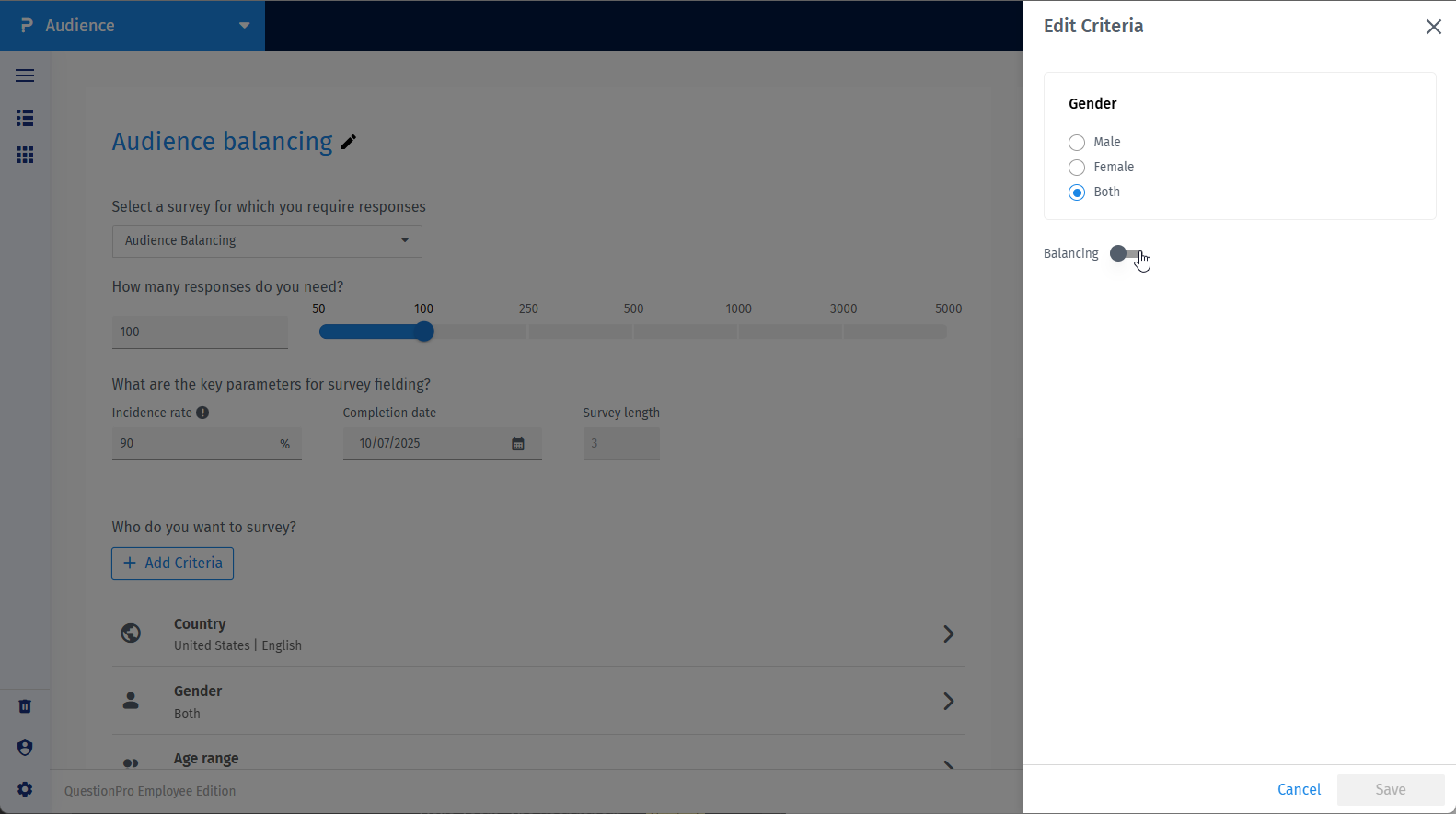
- Click on the criteria such as age, gender, ethnicity or region. (For ethnicity and region you might have to add them first via "add criteria"-> demographic)
- Switch on the balancing toggle.
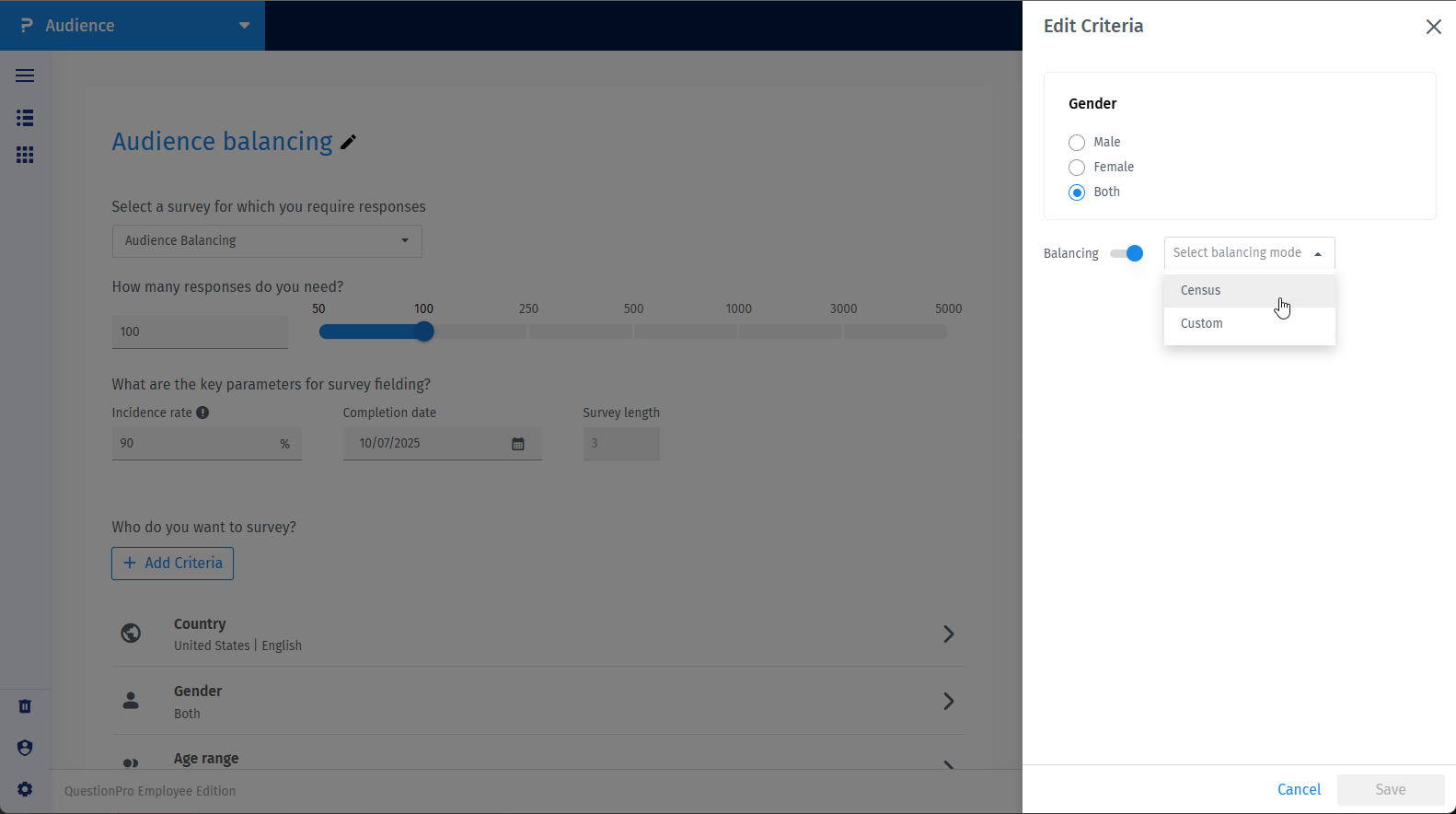
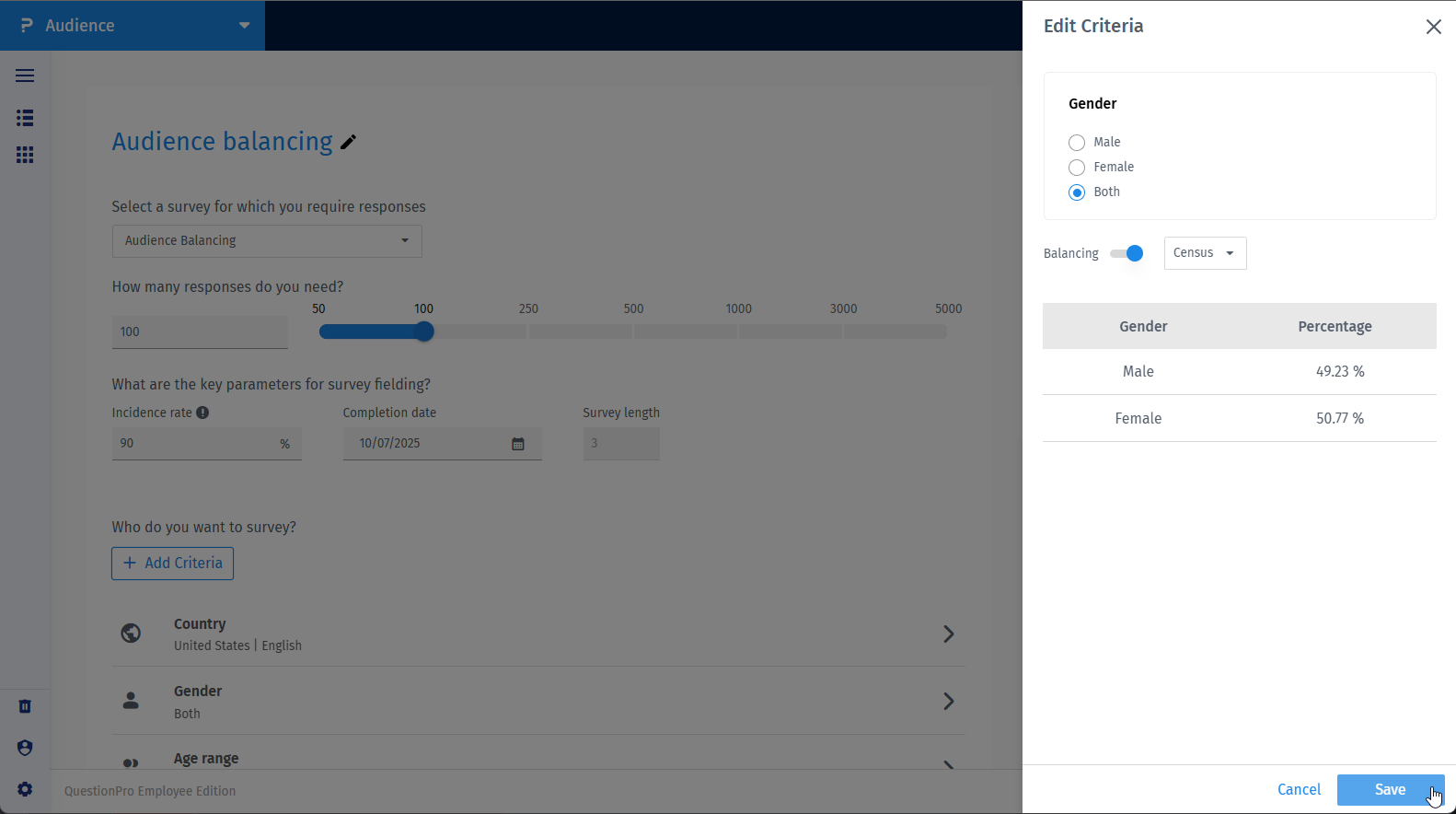
- Click the dropdown and choose Census.
- Click the save button.
How to apply custom balancing?
- Go to Audience and click on the Create project button.
- Select the Specialized sample
- Click on the criteria such as age, gender, ethnicity or region. (For ethnicity and region you might have to add them first via "add criteria"-> demographic)
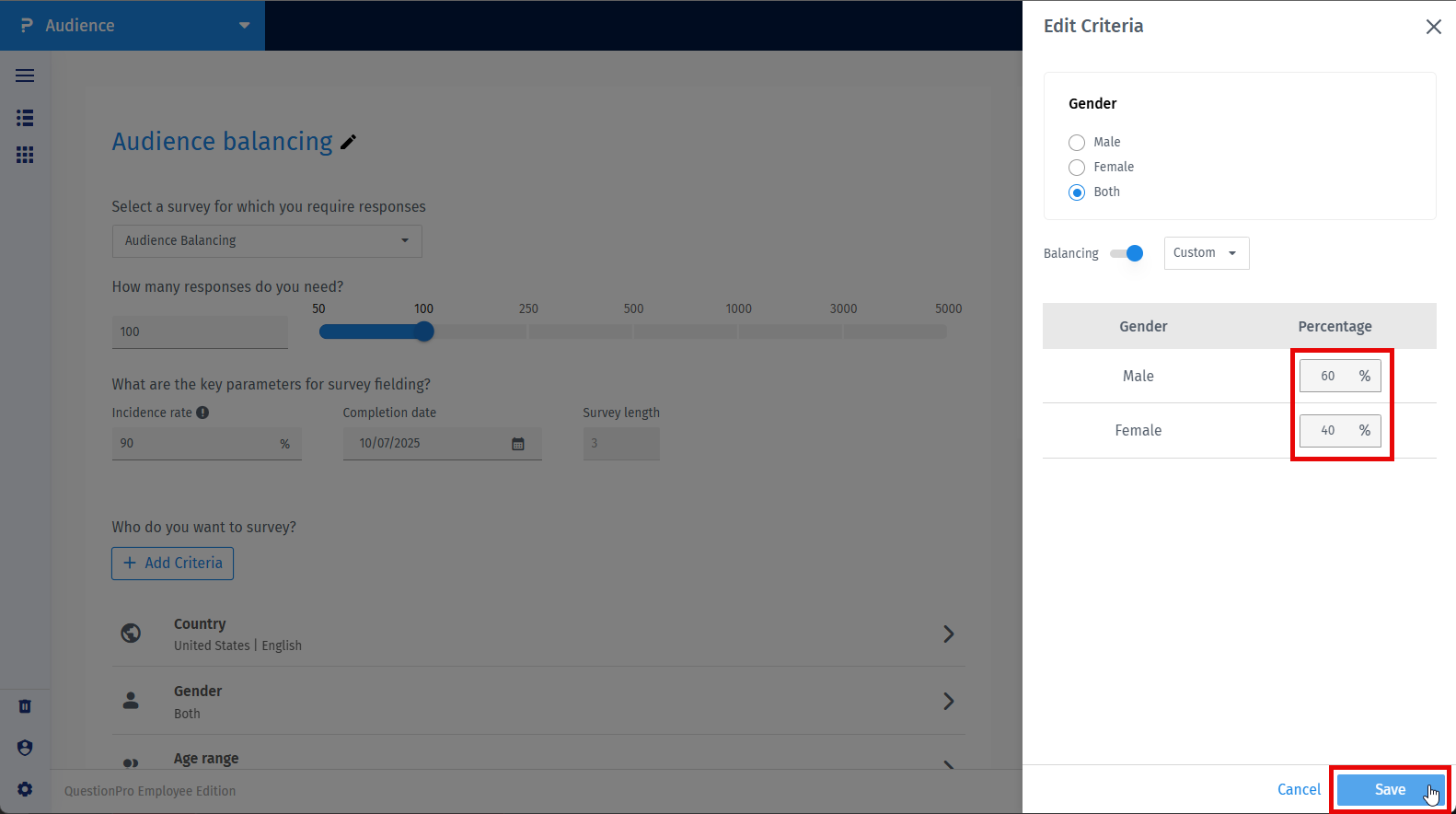
- Switch on the balancing toggle.
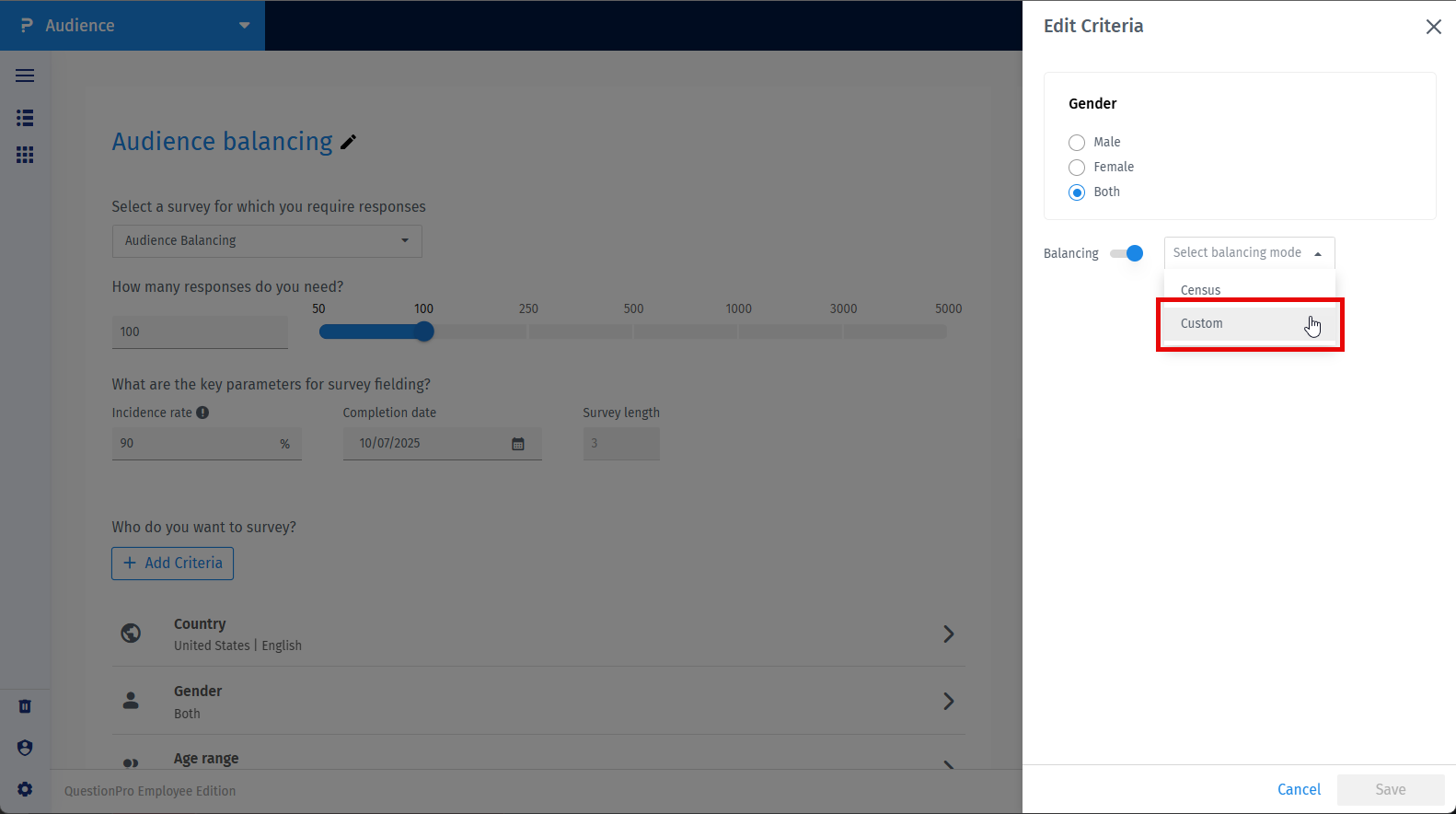
- Click the dropdown and choose Custom.
- Now, you can edit balancing in percentage for each option and hit the save button.
Can I apply balancing only to selected age range?
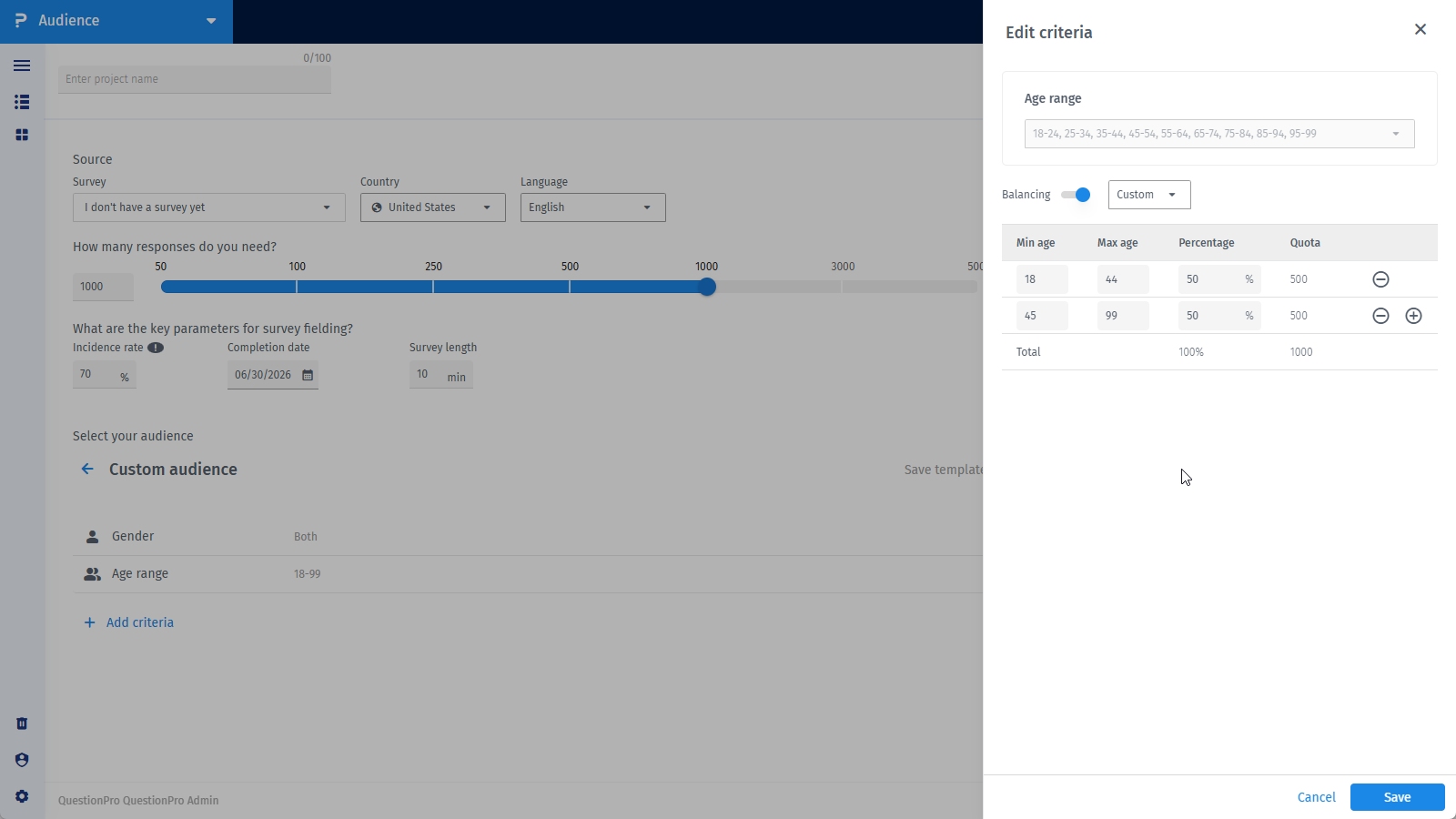
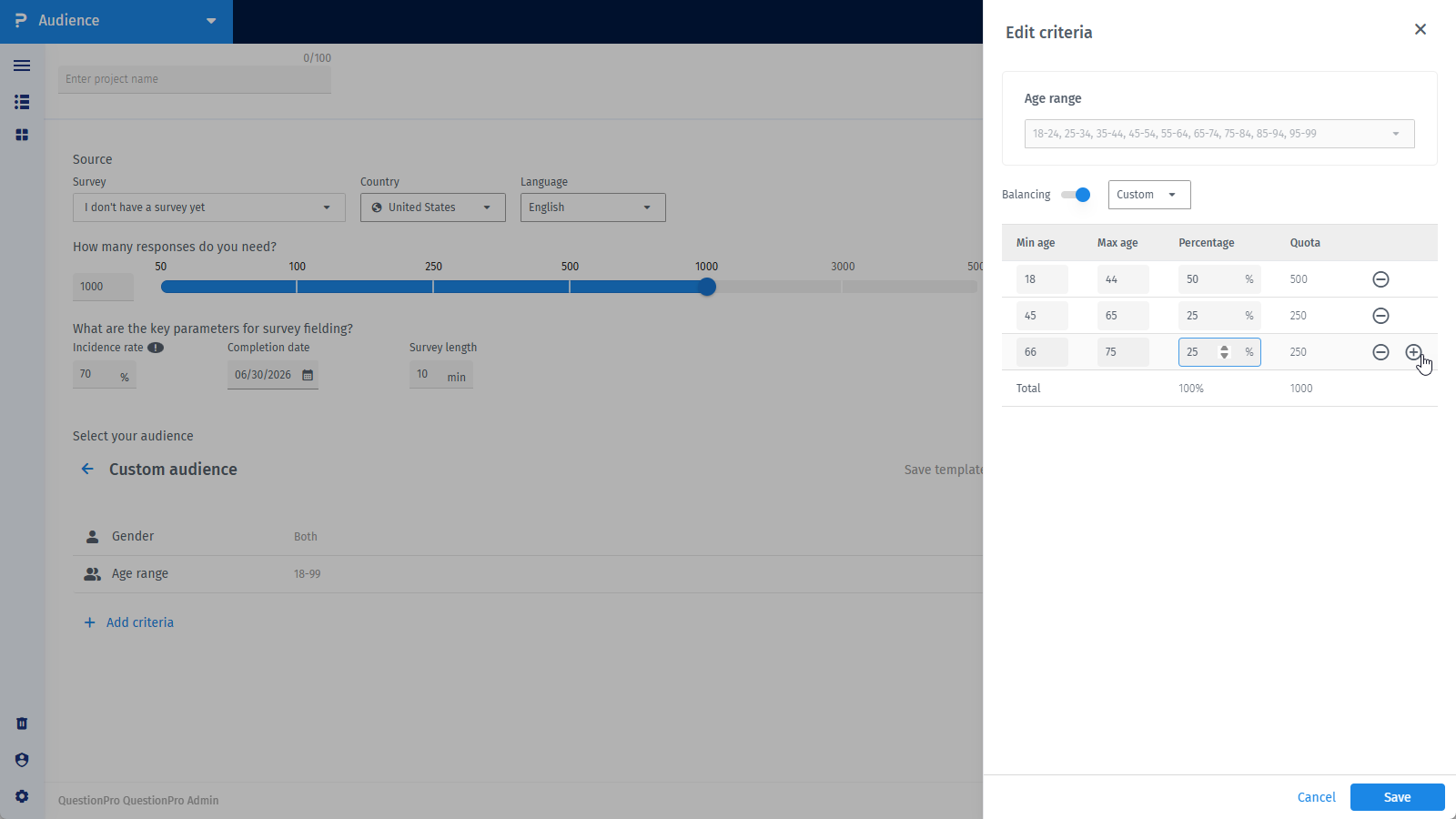
Yes, you can apply balancing on the selected age range.
- Select the custom balancing and define age ranges of your choice and percentages.
- You can also add or remove age range using the add or substract button, click Save.
License
This feature is available with the following licenses :
Team Edition Research Edition Communities University - Research Edition
